
How to Automate Vacation Rental Door Codes Safely
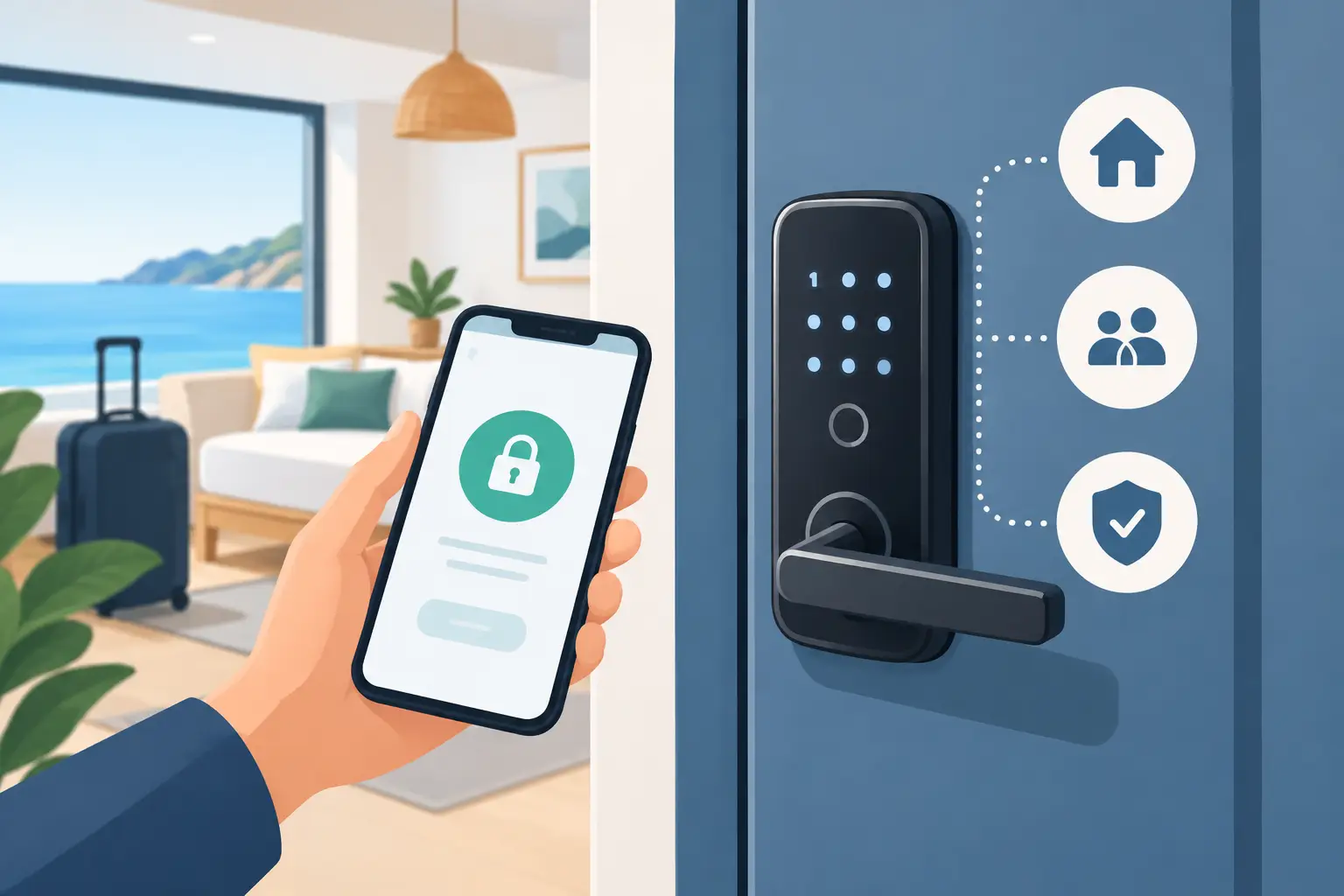
A guest lands after a delayed flight, reaches your property at 11:45 p.m., and cannot find the key. If you still create and send codes by hand, that one reservation can turn into a late-night support call, a poor first impression, and a review problem before the stay has started.
When you automate guest door codes, access follows the reservation instead of depending on someone remembering to update a lock, message a guest, or remove an old code. Done well, it reduces check-in questions, protects the property between stays, and gives your cleaners and co-hosts clearer access rules too.
The goal is not to add another complicated system to manage. It is to set reliable access rules once, then let confirmed bookings drive the right code, at the right property, for the right time window.
Why manual door codes cause bigger operational problems
Manual code management seems manageable with one property. You receive a booking, create a code, paste it into a scheduled message, and delete it after checkout. But each step creates room for an expensive miss.
A guest may receive the wrong code after a booking modification. A canceled reservation may still have an active code. Your cleaner may arrive before checkout and interrupt a guest. Or a co-host may create a code that no one else can see when a lock battery dies or a guest calls for help.
These problems become more likely when reservations come from more than one channel. Every booking source, including your direct reservations, creates the same access requirement. A separate spreadsheet or lock app can quickly become another place where your team has to check for the latest stay details.
Automated codes reduce this dependency on memory. They also create a more consistent guest experience: access instructions arrive in the same place, at the same stage of every reservation, with less last-minute chasing.
What automated door-code access should do
A sound setup connects your reservation calendar to compatible smart locks. When a reservation is confirmed, the system creates a unique code based on the booking details. That code becomes active near check-in and expires at checkout, with the exact timing set by your property rules.
A practical workflow usually includes four parts:
- A unique guest code for each confirmed reservation
- A defined access window tied to check-in and checkout times
- Separate codes for cleaners, maintenance, and owners
- Automatic updates when a booking changes or is canceled
The details matter. A guest code should not work days before arrival just because a reservation exists. It also should not remain active indefinitely after checkout. Your access schedule should reflect the way you actually operate the property, including any buffer needed for turnovers.
For example, you may set guest access to start at 4:00 p.m. on arrival day and end at 10:00 a.m. on departure day. Your cleaner can have a separate recurring code that works only during the hours they need it. This keeps access organized without forcing you to distribute physical keys or reset the lock after every stay.
Choose the lock setup before you automate
Automation is only as dependable as the lock and connectivity behind it. Before connecting anything to your reservations, confirm that your smart lock supports remote code creation, scheduled access, and the integration method your management system uses.
Wi-Fi locks can report their status remotely, but they depend on stable internet at the property. Bluetooth-based locks may work well for some homes, yet they can need a nearby bridge or hub for remote management. Battery life also matters. A lock with a low-battery alert is useful only if someone is assigned to act on it before the next guest arrives.
Consider the physical property as well. A smart lock cannot compensate for a sticking door, an unreliable deadbolt, or a confusing entrance. Test the lock with the door closed, from outside, using the same steps a tired guest will take after dark. If your property has a gate, elevator, garage, or shared building entrance, map out every access point. Automating the front-door code alone may not solve check-in.
It is also worth keeping a backup plan. A secure lockbox, a local contact, or a secondary mechanical key can protect the guest experience when hardware fails. The backup should be documented internally, not casually shared in every message.
Set access rules around the reservation, not the guest message
Many hosts start by placing a code in a scheduled guest message. That is helpful, but messaging alone is not automation. The underlying lock code still needs to be created, timed, changed, and removed correctly.
Build your process around reservation status. Confirmed bookings should trigger code creation. Booking changes should adjust the code schedule. Cancellations should revoke access. If a guest extends their stay, their code should continue to work through the updated checkout time without your team having to intervene.
The exact trigger depends on your cancellation policy and operating preferences. Some hosts prefer to create the code as soon as a reservation is confirmed. Others wait until the booking is closer to check-in, especially for longer lead times. Creating it early is convenient for planning, while delaying creation can reduce unnecessary active credentials. In either case, do not send the code too early if you want to limit the chance that guests attempt early entry.
Your messaging schedule should support the access rules. A brief confirmation can tell the guest that check-in instructions will arrive before arrival. Then send the code and property-entry instructions at a defined time, such as the day before check-in. Include the address, the exact door or entrance, how to wake the keypad if needed, and a contact path for urgent trouble.
Keep cleaner and team access separate
Guest access and operational access should never be treated as the same thing. Sharing one static code with cleaners, co-hosts, maintenance vendors, and owners creates a security gap and makes it difficult to know who entered the property.
Give each person or role a separate access credential. A cleaner can receive a code that works during turnover hours. A maintenance contractor can receive a temporary code that expires after a scheduled repair. An owner code can be retained for emergencies without exposing it to the guest-facing workflow.
This also improves handoffs. When a cleaner reports that they could not enter, you can see whether their access window was active instead of guessing whether a guest code was changed. If a contractor no longer works with you, removing their access does not affect the rest of your operations.
For teams managing multiple homes, central visibility matters. In Hostavi, for example, smart locks connected through Seam (a paid add-on per lock) get a code for each confirmed stay, valid from the property's check-in time to its check-out time, and the code is removed when the booking is cancelled. Reservations, guest conversations and cleaning workflows sit in the same view, so your team is not switching between booking sites, lock apps and shared notes to work out who should have access.
Test the exceptions before guests find them
The regular arrival flow is usually easy. Exceptions are where access automation proves its value or exposes weak spots. Test the scenarios that happen in real hosting: a same-day booking, an early check-in request, a late checkout approval, a reservation extension, a cancellation, and a guest who enters the wrong code too many times.
Also test what your team sees when a lock goes offline. Can they tell whether the code was created? Can they verify its active period? Who receives low-battery alerts? Who can issue a temporary emergency code, and who is responsible for calling the guest?
Write down these decisions in a short internal operating procedure. It does not need to be complicated. The point is to prevent a late-night situation from becoming a group chat with no clear owner.
Protect the guest experience without oversharing
Automated access should feel simple to the guest. Avoid sending a long technical explanation or multiple codes unless the property genuinely requires them. A clear instruction is better: where to enter, when the code will work, the code itself, and what to do if there is a problem.
Do not use obvious codes such as the property ZIP code, a repeated four-digit number, or a host's personal PIN. If your lock allows it, use unique codes that are easy enough for guests to enter but not predictable. Never include sensitive backup-access details in a public listing or an automated message that is sent far in advance.
A smooth arrival goes a long way toward making a property feel professionally managed. Set the access rules carefully, keep a real backup, and let the reservation calendar handle the repetitive work so your attention stays on the exceptions that actually need a host.