
How to Automate Guest Check-In Without Losing Control
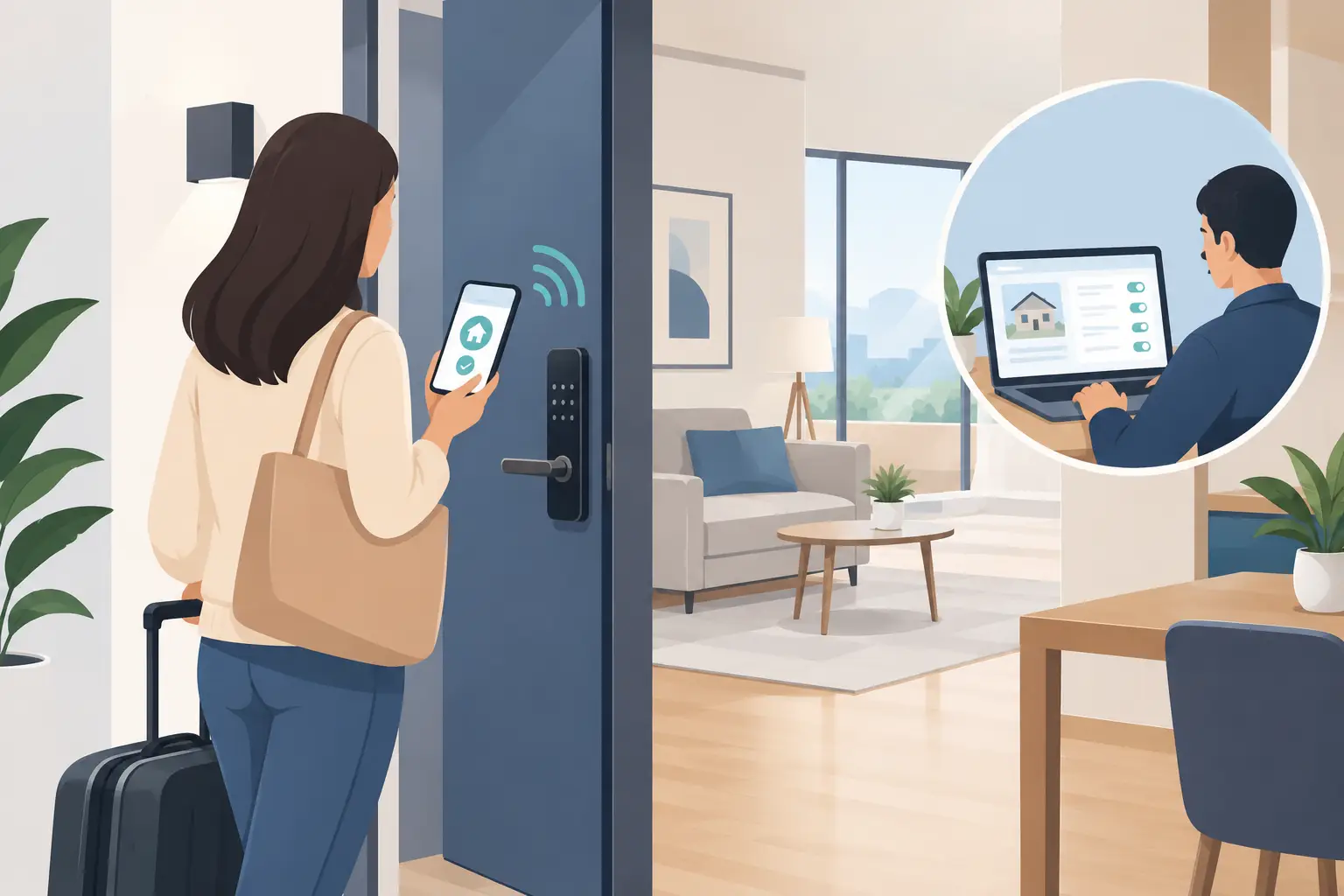
A guest arriving after a delayed flight does not want to wait for a host to send directions, explain the lock, or confirm whether the apartment is ready. You do not want to be checking reservation details from your phone while coordinating a cleaner at the same time. Knowing how to automate guest check-in turns this high-pressure part of hosting into a controlled process, without making the guest experience feel impersonal.
The goal is not to remove yourself from hospitality. It is to make sure every guest receives the right information at the right stage of their stay, while you keep control over access, exceptions, and property-specific rules.
Start with a check-in process worth automating
Automation only works well when the underlying process is clear. Before choosing tools or writing messages, map out what a guest actually needs from booking to arrival. Most check-ins include confirmation, pre-arrival instructions, arrival details, entry access, house information, and a way to ask for help.
Keep the process consistent across properties where possible, but do not force every listing into the same template. A city apartment with self-check-in may need parking instructions and elevator access. A cabin may need clearer directions, outdoor lighting advice, and a backup plan for unreliable cell service. A reliable automated flow has a repeatable structure with property-level details added where they matter.
Also decide what must happen before access details are sent. Depending on your location and booking setup, this could include collecting guest details, receiving a signed agreement, confirming a security deposit, or verifying an expected arrival time. Check the current rules that apply to your properties before building these steps into your workflow.
How to automate guest check-in step by step
1. Centralize reservation details first
Automated check-in depends on accurate reservation data. If arrival dates, guest names, or cancellations are scattered across channel extranets, a spreadsheet, and text messages, the wrong message can go to the wrong person.
Use one calendar to bring channel and direct reservations together. Your system should update the guest record when a reservation is created, changed, or canceled, and use the correct check-in and check-out dates for each property. This foundation also helps reduce the risk of sending access instructions for a stay that has changed.
For hosts managing multiple channels, availability, rates, and stay rules should be maintained from one place through a channel manager. That keeps the operational side of check-in connected to the reservation rather than relying on manual copying between systems.
2. Build a timed guest message sequence
Guests rarely read one long message sent at booking. A sequence works better because it gives each piece of information when it becomes useful.
Start with a booking confirmation that sets expectations. Let guests know when they will receive arrival instructions, what information you may need from them, and how to contact you. A few days before arrival, send a practical pre-arrival message covering check-in time, the property address, parking or transit notes, and anything they need to complete before access is shared.
Send detailed entry instructions closer to arrival. This message should include the address, a map reference if you use one, building entry steps, door or lock instructions, Wi-Fi details if relevant, and a support contact. The day after check-in, a short follow-up can catch issues that guests may not report on their own, such as trouble with heating, hot water, or finding supplies.
Timing should reflect the stay type. For a same-day booking, your normal sequence may need a manual review. For a two-week reservation, it may make sense to send house guidance earlier and a brief mid-stay check-in later. Automation should handle the normal path, not prevent you from adapting when the booking calls for it.
3. Connect smart-lock codes to each reservation
Smart locks can remove one of the most repetitive check-in tasks: creating, sending, and deleting access codes. When connected to your property-management workflow, a unique code can be assigned to a reservation and scheduled to work only during the guest's authorized stay.
Set the access window carefully. Many hosts allow entry from check-in time and disable the code shortly after checkout, with a reasonable buffer for operational needs. Do not assume the same window suits every property. A building with a shared entry door, a remote home, or a property with flexible late checkout may require a different approach.
Always keep a backup plan. Batteries fail, guests enter a code incorrectly, and some locks lose connection. Your automated instructions should say what guests should do if access does not work. Your team should also know who can respond, where spare keys are stored if you use them, and how to confirm whether a code is active.
4. Replace repeated questions with a digital guidebook
“Where do I park?” and “How do I turn on the heat?” are usually signs that guests could not find information when they needed it. A digital guidebook gives guests a single place to check practical property details without searching through old messages.
Include arrival instructions, Wi-Fi, appliance guidance, trash collection, house rules, checkout expectations, and local recommendations that you are comfortable sharing. Use plain language and photos for anything that could be confusing, such as a hidden lockbox, an unusual thermostat, or a driveway entrance.
Keep the guidebook current. An outdated parking instruction can create more support work than no guidebook at all. Review it after maintenance changes, new furnishings, seasonal changes, or recurring guest questions.
5. Tie guest access to cleaning and readiness
Check-in automation is only as reliable as the property handoff before it. Sending a door code on schedule does not help if the cleaner found a damaged coffee machine, linen is missing, or the previous guest checked out late.
Create a cleaning workflow that assigns each turnover, tracks progress, and gives cleaners a simple way to report exceptions. A completed cleaning task should mean more than “someone visited the property.” It should confirm that the home was prepared, essential items were checked, and any issue was escalated.
For higher-risk turnovers, add a manual readiness check before automated arrival messages go out. This may be worthwhile after a long stay, during a busy season, or when a property has had recent maintenance. The trade-off is a little more oversight, but it can prevent an avoidable guest complaint.
Keep a human path for exceptions
A fully automated check-in should still feel supported. Guests may arrive early, be unable to complete a requested step, have accessibility needs, or simply need reassurance after a difficult journey. Make it clear how they can reach you or your team, and use a shared inbox so conversations do not disappear into one person's phone.
Set rules for when automation should pause. Examples include same-day reservations, bookings made by a third party, guests who report a problem before arrival, or a property flagged as not ready. These rules protect the guest experience while allowing routine stays to move forward without manual message chasing.
It also helps to review check-in conversations regularly. If several guests ask where to find the key, rewrite the instruction. If late arrivals regularly need help with the gate, add a photo or change the access sequence. Automation improves through small operational corrections, not by adding more messages.
Measure whether your check-in flow is working
Look beyond whether messages were sent. Track the questions guests ask most often, how many access issues occur, how often check-in instructions need manual correction, and whether cleaning exceptions are caught before arrival. Guest reviews can also reveal friction that guests did not raise during the stay.
A platform such as Hostavi can bring reservation data, guest messaging, guidebooks, cleaning workflows, and smart-lock access into one operating view. That matters because check-in is not a standalone task. It sits between an accurate reservation, a ready property, and a guest who needs clear instructions.
Avoid automating every message just because you can. A short, useful check-in flow is better than a crowded series of reminders that guests ignore. Give them the details they need, keep your team aligned behind the scenes, and leave room for a real response when the stay needs one.