
How to Prevent Double Bookings Across Channels
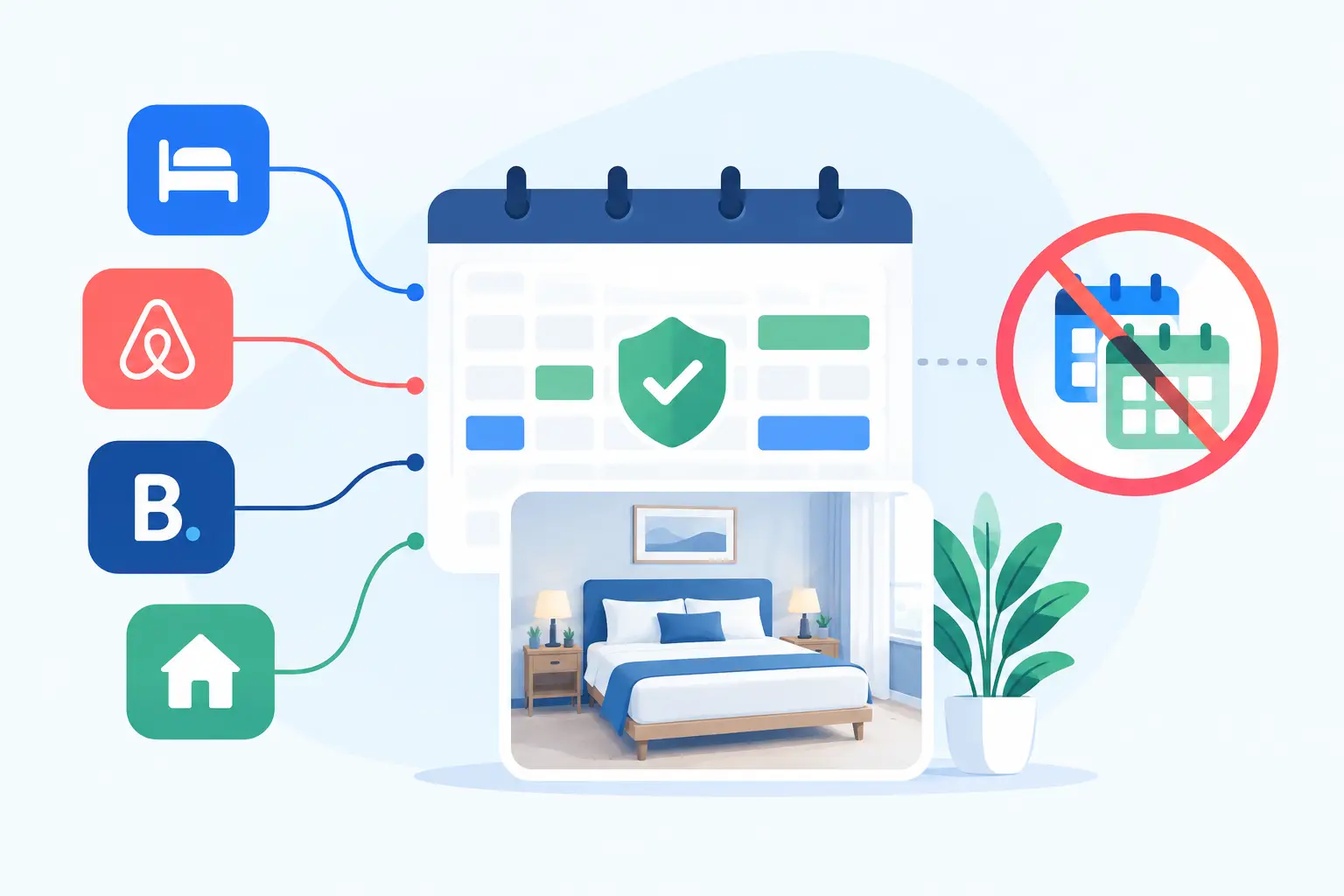
A double booking can turn a fully booked weekend into a costly guest-relocation problem in minutes. Learning how to prevent double bookings is not about checking calendars more often. It is about making sure every booking channel, direct website, team member, and availability rule works from the same current inventory.
For a host with one listing, the risk may start with a channel reservation arriving just as a guest completes a direct booking. For a manager with several properties, it can come from a cleaner blocking dates in one system, a co-host changing a minimum stay in another, or a slow calendar connection that leaves a night available too long. The result is the same: an unhappy guest, lost revenue, and a preventable operational scramble.
Why double bookings happen
Most double bookings are caused by fragmented operations, not a single mistake. A property is listed on Airbnb, Booking.com, Expedia, and a direct-booking site, but availability is updated separately in each extranet. That can work during quiet periods. It breaks down when reservations arrive close together, dates are adjusted, or several people manage the same listing.
Calendar sync speed matters too. Basic calendar feeds can take hours to update. During that window, another channel may still show the dates as open. This is especially risky for same-day reservations, high-demand weekends, and properties that receive bookings from multiple channels.
The other common issue is treating pricing, availability, and stay rules as separate tasks. A host may close dates in one place but forget to update a minimum-night rule elsewhere. A two-night gap then becomes bookable on one channel, even though the property cannot operationally accept it. Preventing conflicts requires one view of the calendar and a deliberate set of rules behind it.
Use one calendar as the source of truth
A dependable way to prevent double bookings is to manage every listing from a central property-management and channel-management system. Your channel accounts still matter. They remain the source for listing content, payouts, and platform-specific settings. But day-to-day inventory should be controlled from one place.
A unified calendar lets you see reservations, owner stays, maintenance blocks, and cleaning buffers together. When a guest books through a connected channel, those dates should close everywhere else automatically. When you block dates for repairs or personal use, the same block should flow out to every channel.
This also gives your team a clear answer to a common question: where should I make this change? If availability is managed in a central dashboard, do not close dates manually on three separate booking sites unless there is an urgent exception. Repeated manual edits create conflicting data and make troubleshooting much harder later.
Hostavi, for example, centralizes reservations and sends availability, rates, and stay rules to connected channels through the Channex channel manager. The practical benefit is simple: set the operational rule once, then let connected channels receive the update rather than asking your team to repeat it.
Choose API connections when available
Not every connection type offers the same protection. API connections exchange reservation and availability data between systems, usually within minutes. They are the better choice for properties that take frequent bookings across major channels.
An iCal connection is useful when an API integration is not available, but it has limits. It usually refreshes on a schedule rather than immediately. That delay can be acceptable for a low-volume owner calendar or a secondary site with limited demand. It is less suitable as the main safeguard for a busy vacation rental.
Before relying on any connection, confirm what actually syncs. Some connections share only availability. Others can also update rates, minimum stays, maximum stays, and closed-to-arrival rules. A calendar that closes correctly but leaves the wrong rate or stay requirement behind can still create revenue and guest-service problems.
Build availability rules around real operations
Calendar sync prevents two guests from reserving the same night. It does not automatically account for turnover time, maintenance needs, or how your cleaners operate. Those decisions need to be built into your availability rules.
Start with realistic preparation time. If a property needs a full day between departures and arrivals, add a turnover buffer rather than relying on someone to remember to block the night manually. If same-day turnovers are possible, make sure your cleaning team has confirmed capacity before making them widely available.
Then review your minimum-stay settings. A one-night booking can be profitable in some markets, but it may also create an unworkable gap between longer reservations. Use gap-night rules or minimum stays to protect the calendar from isolated nights that cost more to service than they earn.
Be careful with global rules. Applying a two-night minimum across every property is fast, but it may not fit a city apartment, a remote cabin, and a large family home equally well. Property-specific settings take a little longer to configure, but they reduce the need for exceptions later.
Treat direct bookings like every other channel
Direct bookings are valuable because they give you more control over the guest relationship and can reduce reliance on marketplace commissions. They must still draw from the same live inventory as your channel listings.
Do not accept direct reservations through email, text message, or a separate payment form without checking the central calendar first. If a guest asks to reserve a date while you are waiting for payment, use a clearly defined temporary hold. Set an expiration time and remove the hold promptly if payment does not arrive.
The same rule applies to phone reservations and repeat guests. A personal booking may feel less formal than an OTA reservation, but it creates the same inventory commitment. Enter it in the system immediately, not at the end of the day.
Give your team one booking workflow
A channel manager will reduce technical risk, but people still need a consistent process. Cleaners, co-hosts, and reservation staff should know which actions they can take and where to take them.
Keep the workflow simple. Reservation changes should be handled in the central calendar. Maintenance blocks should be added as soon as an issue is identified. Guest messages about extending a stay should not be treated as confirmed until the dates have been updated and the booking change is complete.
Avoid sharing one channel login among multiple people when possible. Separate access makes it easier to see who changed a setting and prevents an accidental edit from becoming a mystery. It also helps you limit sensitive actions, such as refunds or rate changes, to the people responsible for them.
A short daily calendar review is still worthwhile, even with automatic syncing. Check arrivals, departures, same-day turnovers, upcoming owner blocks, and reservations that were modified or canceled. This is not a substitute for automation. It is a practical quality check that catches unusual situations before guests arrive.
Test your setup before peak dates
Do not assume a connection is working because the calendar looks correct at a glance. Test it. Create a short block in your central system and confirm it appears on each connected channel. Remove the block and confirm the dates reopen as expected. Review how long each step takes.
Next, test a reservation modification and cancellation. These events are where many workflows fail because the original dates close correctly, but the newly released nights do not reopen or a changed reservation does not update every channel. Run these tests before a holiday weekend, not after a guest reports a problem.
If you have recently added a new listing, changed a property mapping, or connected a direct-booking site, test again. Similar unit names and duplicate listings are easy to map incorrectly. A two-bedroom apartment connected to the wrong calendar is a fast path to a conflict.
What to do if a double booking happens anyway
Even strong systems need a backup plan. If two guests are booked for the same dates, confirm the facts first. Check reservation timestamps, channel confirmation details, payment status, and any recent calendar changes. Do not promise a solution until you know which booking can be honored at the original property.
Contact affected guests quickly and take ownership of the problem. When relocation is necessary, offer comparable or better accommodation, cover reasonable price differences, and provide clear arrival instructions. The cost can be painful, but delayed communication usually makes the financial and reputational damage worse.
Afterward, find the process failure. Was the connection delayed? Did someone create a manual reservation outside the system? Was a listing mapped incorrectly? Fix the root cause, document the new rule for your team, and test the workflow again.
The goal is not to spend more time watching calendars. It is to build an operation where a reservation closes the right dates, alerts the right people, and triggers the right next step before it becomes someone else's emergency.