
PMS Versus Channel Manager: What Hosts Need
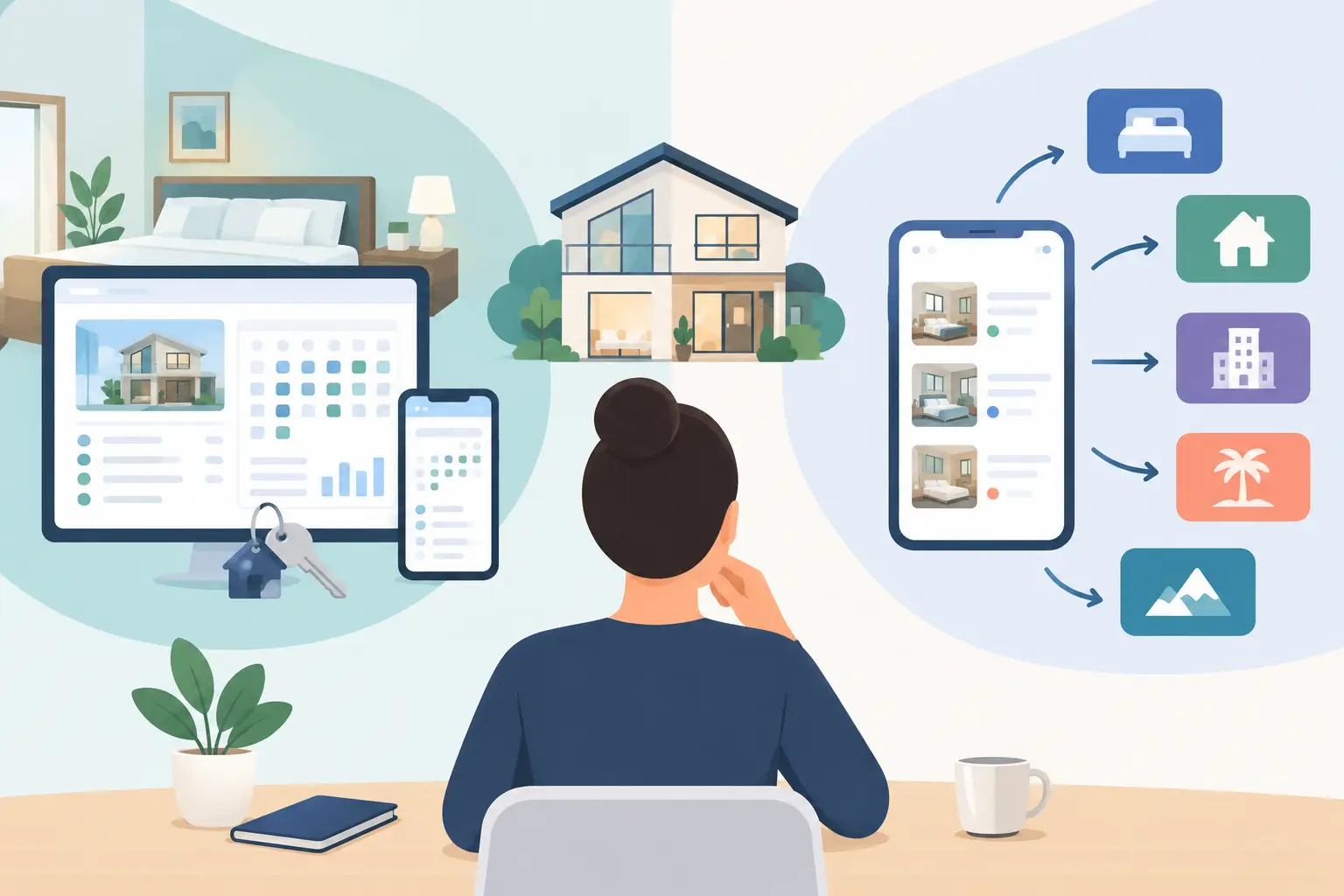
A reservation lands while you are answering a guest question, checking whether the cleaner finished, and updating a weekend minimum stay. That is when the PMS versus channel manager question stops being software jargon. It becomes a practical decision about whether your calendar, rates, guest communication, and daily tasks can stay organized as your business grows.
The short answer is that a channel manager and a property management system solve different problems. A channel manager keeps listing data aligned across booking channels. A PMS gives you a central place to run the property after the booking arrives. Many hosts eventually need both, but the right starting point depends on how many properties you manage and where your current friction sits.
What a channel manager does
A channel manager connects your listings across multiple booking channels. Its main job is to distribute availability, pricing, and stay rules from one place to the connected channels.
For example, if a three-night reservation comes through one channel, the channel manager can update availability elsewhere so the same dates are less likely to be sold again. If you change a rate, minimum stay, or closed-to-arrival rule, it can send that change across your connected listings rather than leaving you to adjust each extranet by hand.
This is especially useful when you sell the same property in more than one place. Manual updates may work for a single listing with occasional bookings, but the risk rises quickly as reservations, seasonal prices, and owner requirements become more complicated. A missed calendar update can lead to a double booking. A missed rate change can leave money on the table or create an awkward guest conversation.
A channel manager is not usually designed to run every part of the stay. It may pass reservation details into another system, but its primary focus is distribution and synchronization. Think of it as the connection between your inventory and the places guests can book it.
What a PMS does
A property management system, or PMS, is the operating center for your rentals. It collects reservation information and helps you manage what needs to happen before, during, and after each stay.
A useful PMS typically brings your bookings into one calendar, then connects them to the work behind those bookings. That may include a shared guest inbox, scheduled messages, cleaning tasks, team assignments, invoicing, owner reporting, direct bookings, guidebooks, and smart-lock code delivery.
The difference is visible on turnover day. A channel manager can help make sure the booking is on the calendar. A PMS helps your cleaner see the departure, gives your co-host the arrival details, keeps the guest conversation in context, and lets you confirm that the property is ready.
A PMS also gives you a clearer view of the business. Instead of switching between channel extranets, messages, spreadsheets, and cleaning chats, you can review occupancy, revenue, upcoming work, and property performance from one dashboard. The depth of these tools varies by product, so it is worth checking which workflows are included rather than assuming every PMS handles every operational task.
PMS versus channel manager: the practical difference
The simplest distinction is this: a channel manager manages where and how your property is sold; a PMS manages how you operate the property once bookings are coming in.
There is overlap. Some PMS products include channel-management capabilities, while some channel managers offer a few operational features. The key question is not what the software calls itself. Ask where you set prices and rules, where reservations are collected, and where your team completes the work around a guest stay.
If your main problem is inconsistent availability and rates across channels, channel management is the urgent need. If your calendar is already reasonably controlled but guest messages, cleaning handoffs, payment records, and team coordination are scattered, a PMS addresses more of the daily workload.
For most multi-channel operators, connecting both functions usually works well. You set your commercial rules once, the channel manager distributes them to supported channels, and the PMS turns incoming reservations into clear operational work. This reduces duplicate data entry and gives you more control without forcing every part of your business into a separate tool.
When a channel manager may be enough
A standalone channel manager can be a sensible choice for hosts who need distribution control but have simple operations. This often applies when you manage a small number of units, handle guest communication yourself, and do not need formal cleaner workflows or detailed reporting.
It can also fit if you already have reliable processes outside your booking system. Perhaps your cleaner has a dependable schedule, your invoices are handled elsewhere, and your direct-booking needs are limited. In that case, adding a full PMS before you need it may create unnecessary setup work.
Still, be realistic about the time hidden in manual processes. If you copy reservation details into a spreadsheet, send arrival instructions one by one, or repeatedly check whether a turnover has been acknowledged, those tasks add up. The question is not whether you can do them manually. It is whether they still make sense at your current booking volume.
When you need a PMS and channel manager together
The combined approach becomes more valuable when you manage several properties, work with cleaners or co-hosts, or take bookings from a mix of channels and a direct site. At that point, the booking is only the start of the process.
You are likely ready for both when you regularly face several of these situations:
- You update prices, availability, or stay restrictions in more than one place.
- Guest conversations are split across personal inboxes and channel message centers.
- Cleaners need you to manually forward every arrival and departure.
- You want direct bookings to enter the same calendar as channel bookings.
- You cannot easily see revenue, occupancy, or upcoming operational tasks by property.
A connected PMS and channel manager setup helps keep commercial settings and operational work tied to the same reservation record. That matters when a guest extends a stay, a cleaner needs revised departure timing, or you need to check which rate and source produced a booking.
Hostavi, for example, combines a property-management workspace with channel connections through the Channex channel manager. Hosts can manage reservations, prices, stay rules, guest communication, cleaning workflows, and direct bookings from a central dashboard while keeping control of their channel accounts and property-specific settings.
What to check before choosing your setup
Start with your actual workflow, not a feature checklist. Map what happens from the moment a guest books to the moment the property is ready for the next arrival. Note every place where someone has to copy information, chase an update, or check a second system.
Then review the connection details. Confirm which channels are supported for your property type and market, which data can be synchronized, and whether rates, availability, minimum stays, and booking restrictions are handled the way you expect. Connection behavior can vary by channel and configuration, so test carefully before relying on a new setup for busy dates.
Also look beyond the booking calendar. If you have a team, check how tasks are assigned and whether everyone can see the information they need without gaining access to financial settings. If you accept direct bookings, review payment handling, confirmation flows, and how direct reservations affect channel availability. If you issue invoices or collect guest information, check your local tax, privacy, and registration requirements, since rules can differ by location.
Finally, consider setup effort honestly. A system only helps when property details, room mappings, pricing, policies, and message templates are configured correctly. Choose a provider that explains the process clearly, lets you understand what is included, and does not leave you guessing about billing or contract terms.
The right test is simple: when the next booking arrives, can your calendar, guest communication, turnover work, and pricing rules move forward without you rebuilding the same information in several places? If the answer is no, it may be time to connect the sales side of your rentals with the work that keeps every stay running well.