
What a Vacation Rental Channel Manager Does
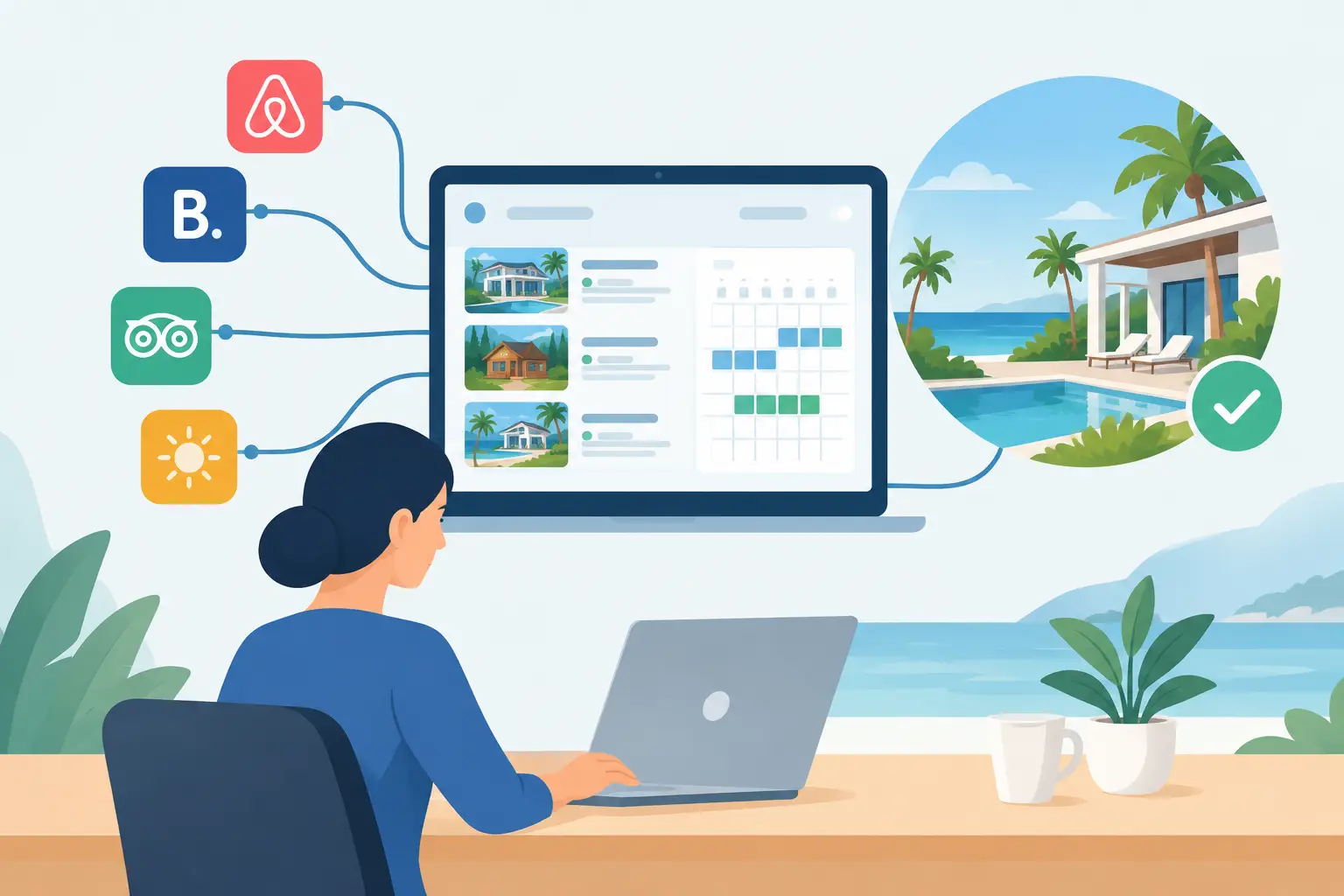
A guest books Friday through Sunday on one booking site. Two minutes later, another guest tries to book the same dates on another. If you are still updating calendars by hand, that second reservation can become an expensive problem fast. A vacation rental channel manager exists to stop that chain reaction before it starts.
For hosts managing more than one booking source, it is not just a calendar tool. It is the control center for availability, rates, minimum stays, and the daily work that follows a reservation. The right setup gives you fewer tabs to manage, fewer pricing mistakes to fix, and a clearer view of what is actually happening across your properties.
What a vacation rental channel manager actually does
A channel manager connects your listings across booking platforms such as Airbnb, Booking.com, Expedia, and your own direct-booking site. When a reservation arrives from one channel, it updates availability everywhere else. When you change a rate or a minimum-stay rule, the system can send that change to the connected channels.
That centralization matters because each booking platform has its own extranet, settings, notifications, and quirks. Checking every platform separately may work for one listing with occasional reservations. It becomes risky as your calendar fills up, you add properties, or more than one person helps run the operation.
At its core, a channel manager should give you one calendar where you can see reservations, blocked dates, arrivals, departures, and gaps between stays. But availability is only one part of the job. A useful system also helps you manage the rules that determine whether a booking is profitable in the first place.
For example, you may want a three-night minimum over a holiday weekend, a two-night minimum on regular weekends, and a one-night gap-filler rule between longer stays. Without centralized controls, you have to recreate those decisions channel by channel. That is where inconsistent rates and unwanted short stays tend to appear.
Why manual updates cost more than time
The obvious risk is a double booking. When two guests reserve the same property, you may have to relocate one guest, issue a refund, cover a hotel, and deal with a poor review. Even if you avoid a direct financial loss, the interruption can take hours from an already busy day.
Price mismatches create a quieter form of revenue loss. Perhaps Airbnb has your updated weekend rate, while Booking.com still shows an older lower price. Or one channel allows a one-night booking that leaves an unbookable Tuesday gap. Those small discrepancies can reduce revenue and make cleaning schedules harder to manage.
There is also the operational cost. A reservation is not just a colored block on a calendar. It triggers guest messages, cleaning assignments, access instructions, payment records, and team coordination. If each part lives in a different app, you spend your time checking whether the handoff happened instead of managing the guest experience.
A channel manager does not make every hosting task disappear. You still need a clear pricing strategy, accurate listing details, and reliable cleaners. What it does is remove the repeated manual work that causes preventable mistakes.
API connections versus calendar syncing
Not all connections work the same way. This is one of the most important details to understand before choosing software.
An API connection is an integration between the channel manager and the booking platform, often through a channel-manager provider. Depending on the channel and connection type, it can update availability, rates, stay restrictions, reservations, and guest details automatically. This is generally the better choice for active listings because it provides more control and fewer delays.
Calendar syncing, often called iCal syncing, usually shares availability only. It can be useful for a smaller channel that does not support a deeper integration, but it is not a substitute for managing rates and rules through a full channel connection. Sync intervals vary, and a delay can leave a window for conflicting bookings.
The practical question is not whether a provider says it “syncs” with your channels. Ask what specifically syncs. Can you send pricing? Minimum nights? Maximum stays? Closed-to-arrival rules? Can reservations flow back with the details your team needs? A connection that only blocks dates may solve one issue while leaving the rest of your work scattered.
Features that matter when you compare options
Start with the daily control panel. You should be able to open one calendar and understand your occupancy without switching among extranets. Look for clear reservation details, property filters, and an easy way to block dates or adjust a booking when plans change.
Next, review rate and rule controls. You need the ability to set prices and stay rules once, then apply them consistently across supported channels. This is especially valuable when you manage different property types. A city apartment, a weekend cabin, and a larger vacation home may each need different lead times, minimum stays, and seasonal rates.
Guest communication should also be close to the reservation data. A shared inbox helps prevent the common problem of one person replying in Airbnb while another person responds somewhere else. Automated messages can cover the predictable moments - booking confirmation, pre-arrival directions, checkout reminders, and review requests - while leaving you in control of replies that need a human answer.
Cleaning and team workflows are worth considering early, not after you add more properties. A clean calendar is useful, but your operation still breaks down if a cleaner misses a same-day turnover. Look for task assignments, status visibility, and automated triggers tied to checkouts and new bookings.
Finally, check what happens with direct bookings. Your own website gives repeat guests a path back to you without asking them to search a marketplace again. It also gives you more ownership over your brand, guest relationship, and pricing. The trade-off is that you are responsible for driving traffic and handling payment processes, so direct booking works well as part of a wider channel strategy, not necessarily as a replacement for major marketplaces.
Set up your channel manager without creating new problems
Good setup begins before you connect anything. First, decide which listing is the source of truth for each property. Confirm that property names, addresses, bedroom counts, occupancy limits, and check-in settings match across channels. A channel manager can distribute data efficiently, but it cannot correct conflicting information on its own.
Then map each listing carefully. If you have two similar apartments, a mapping mistake can send reservations or rates to the wrong unit. Take the time to verify every connection, including units that are temporarily inactive or only open seasonally.
Once connected, test one change at a time. Update a future date's availability, rate, and minimum-stay requirement, then verify the result in each channel. Review how long the update takes and whether the platform received every rule correctly. This step is far less stressful than discovering a problem during a holiday weekend.
You should also set responsibilities. Decide who can change rates, who handles guest messages, who confirms cleaning completion, and who deals with urgent booking issues. Centralized software helps your team work from the same information, but it cannot replace clear ownership.
For hosts who want an operating system beyond calendar sync, Hostavi combines channel management (through the Channex channel manager) with a direct-booking website, shared guest inbox, cleaning workflows, smart-lock automation, invoicing, and performance reporting. The point is practical: a confirmed reservation should move through your operation without requiring you to rebuild the process in separate tools.
Common mistakes to avoid
The first mistake is assuming every channel supports the same settings. Booking platforms have different rate-plan structures and content requirements. Before creating a complex rule set, confirm how it will translate to each connected channel. Simple, consistent rules are often easier to maintain than a highly detailed setup that only works on one platform.
The second is treating synchronization as a reason to stop monitoring. Review your unified calendar daily, especially after adding a channel, changing integrations, or making a bulk rate update. Software reduces risk, but a regular operational check catches unusual exceptions early.
The third is choosing based on the lowest advertised price alone. Consider the full cost of the system: monthly subscription, onboarding time, direct-booking fees, payment processing, extra integrations, and the labor you still need to do outside the platform. A lower-priced tool that leaves you managing messages, cleaners, and reports elsewhere may not save money.
A final mistake is delaying the move until you feel overwhelmed. A good time to centralize is when you can still set it up calmly, test the connections, and build repeatable workflows. Once your listings, prices, and team are working from one place, you can spend less time chasing updates and more time making better decisions for every property.