
What Causes Reservation Conflicts for Hosts?
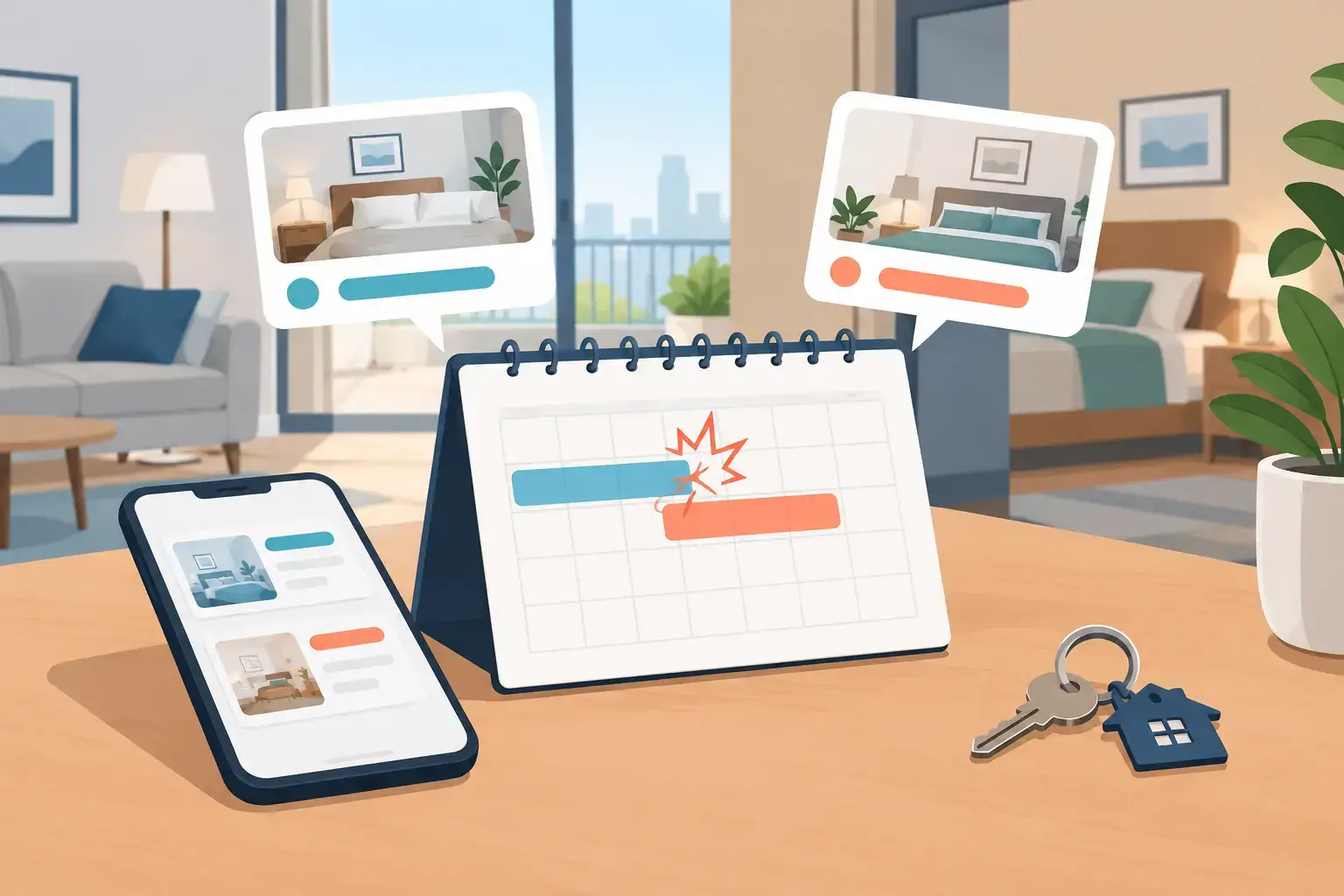
A guest books Friday through Sunday on one channel. Ten minutes later, another guest reserves the same dates through your direct site. Now you are choosing who to move, refunding a reservation, and trying to protect a review before the stay has even begun. That is the practical answer to what causes reservation conflicts: disconnected information moving slower than your bookings.
For short-term-rental hosts, a reservation conflict is not always a straightforward double booking. It can also mean a blocked cleaning day that disappears, a minimum-stay rule that fails to carry over, a rate that is different from the one you intended, or a team member acting on an outdated calendar. The common thread is that the property, its availability, and its rules are being managed in more than one place without a reliable source of truth.
What causes reservation conflicts across channels?
Most conflicts start when availability is updated manually or through systems that do not exchange the right information consistently. A booking calendar may look correct in one extranet while another channel still shows the dates as open. If a guest books before the update reaches that channel, the same night can be sold twice.
This risk rises with every additional channel, direct-booking source, and person who can edit a calendar. A host with one property may get away with occasional manual changes during a quiet season. A manager with several units, changing rates, cleaning blocks, and last-minute reservations has far less room for delay or missed steps.
The issue is not that using multiple sales channels is inherently risky. More visibility can support occupancy and revenue. The risk comes from treating each channel as a separate operating system rather than feeding them from one controlled calendar.
Manual calendar updates
Manual updates are the most familiar cause. A host receives a booking, then opens each channel to close the dates. That process depends on someone seeing the reservation, having access to every account, selecting the correct listing, and completing every update before another guest books.
Even careful hosts can miss a step. A reservation might arrive late at night, while traveling, or during a guest turnover. One overlooked calendar is enough to create a conflict. Imported bookings can create similar trouble when the connection is limited, delayed, or does not send every change you make.
Duplicate or mismatched listings
A single home can appear under slightly different names across channels. One listing may include a unit number, another may use a marketing name, and a third may be a duplicate created during setup. When those listings are not mapped correctly, a booking for one can fail to close availability for the other.
This also happens with multi-unit properties. A host may sell an individual apartment and a larger combination of apartments. If the combination reservation does not automatically block the individual units, the inventory can be oversold. These setups need deliberate relationship rules, not just matching names.
Rules that do not match the calendar
Availability is more than open and closed dates. Minimum stays, maximum stays, check-in restrictions, advance-notice settings, and preparation time all shape what a guest can reserve.
Suppose your calendar shows a two-night gap between stays, but one channel still permits a one-night reservation. Or a same-day booking remains available even though your cleaning team needs a full day after a long stay. The dates might not overlap at the time of booking, yet the reservation can still create an operational conflict.
Rate settings create a related problem. A lower-than-intended price may not be a calendar collision, but it is still a reservation issue that can cost margin or require an uncomfortable conversation with a guest. Availability, prices, and stay rules need to be managed together because guests see them as one offer.
The operational conflicts hosts often miss
Not every reservation conflict begins in a channel calendar. Some begin after the booking is accepted, when the work around the stay is scattered across messages, spreadsheets, and team chats.
Cleaning and maintenance blocks
A cleaner may block a day for a deep clean, a repair, or a linen delivery. If that block lives only in a cleaning app, a personal calendar, or a message thread, it may never reach the booking calendar. The property remains sellable even though it is not ready for a guest.
Maintenance creates the same challenge. A leaking water heater or damaged lock may require a property to be unavailable for several days. If the person handling the repair does not have a clear way to trigger an availability block, reservations can continue to arrive.
There is a trade-off here. Blocking too much time can reduce bookable nights. Blocking too little transfers the risk to your operations and guest experience. The right buffer depends on the property, turnover complexity, cleaner capacity, and how reliably your team can respond to short-notice work.
Shared access without clear ownership
Co-hosts, owners, virtual assistants, and cleaners may all need parts of the reservation workflow. Problems arise when several people can change dates, prices, or rules without knowing who owns the final decision.
For example, an owner may open a personal-use block while a co-host removes it to accept an inquiry. Or an assistant may adjust a seasonal minimum stay on one channel, unaware that the same rule is controlled elsewhere. These are not usually careless mistakes. They are signs that permissions, approval steps, and communication are unclear.
A simple operating rule helps: decide who can edit availability, who can change rates and stay rules, and where the team confirms exceptions. Keep guest-facing messages, tasks, and calendar changes connected to the reservation whenever possible, so nobody has to reconstruct the situation from several conversations.
Time zones and check-in assumptions
Time zones can produce subtle errors, particularly for hosts managing properties remotely. A booking cutoff, same-day arrival, or calendar block may be evaluated according to a different local time than the property itself. The dates can appear correct at a glance while the arrival window is not workable.
Check-in policies matter too. If a booking can be accepted on the same date but lock access, cleaning, or guest communication is not ready, the reservation becomes an avoidable fire drill. Confirm that property time zones and advance-notice settings reflect how you actually operate.
How to reduce reservation conflicts
The most effective approach is to set one system as the control center for your inventory. Enter availability, prices, and stay rules there, then distribute those settings through a properly configured channel connection. This reduces duplicate work and makes it easier to see what changed, where, and why.
Hostavi is designed around this operating model: reservations from channels and direct bookings are brought into one calendar, while Hostavi is designed around this operating model: reservations from channels and direct bookings are brought into one calendar, while availability, prices, and stay rules are managed centrally in Hostavi and synced to channels through the Channex channel manager.. That does not remove the need for careful setup. It gives hosts a clearer place to verify mappings, review reservations, and coordinate the work that follows each booking.
Before relying on automation, audit each property setup. Check that every listing points to the correct unit, that duplicate listings are closed or handled intentionally, and that linked units block one another when needed. Review the connection after major changes such as adding a new listing, changing room configurations, or switching pricing strategies.
Then test the guest journey in a controlled way. Review what dates appear available, what minimum stay applies, and whether preparation time is protected. Use a future date rather than a high-demand weekend. If something looks wrong, fix the rule at its source instead of applying one-off patches across separate accounts.
For ongoing operations, review these areas regularly:
- New reservations, cancellations, modifications, and owner blocks.
- Upcoming turnovers, maintenance tasks, and properties with short gaps between stays.
- Rates and restrictions for peak dates, holidays, and seasonal transitions.
- User access for anyone who can edit listing settings or availability.
When a conflict still happens
Even well-managed operations can face an exception: an integration configuration changes, a channel has an outage, or a team member makes an unintended edit. The response matters.
First, confirm which reservation was received first and what options are genuinely available. Do not assume dates are free based on one screen. Check the central calendar, the relevant channel records, and any owner or maintenance blocks. Then communicate with the affected guest promptly, explain the situation plainly, and offer the most practical alternative you can support.
After the immediate issue is handled, trace the cause. Was a listing mapped incorrectly? Was a preparation block missing? Did a rate or rule get edited in the wrong place? Treat the incident as a workflow signal, not just a one-time mistake. A small adjustment to permissions, setup, or team handoff can prevent the same problem from returning during your next busy period.
A reliable reservation operation is not about watching calendars all day. It is about giving every booking, block, price, and rule one clear path through your business, so your team can spend more attention on the guest arriving next.